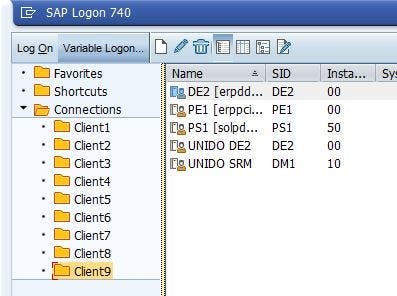
Greetings everyone, today I will show you how to move our old logon connections to a new computer or make a backup.
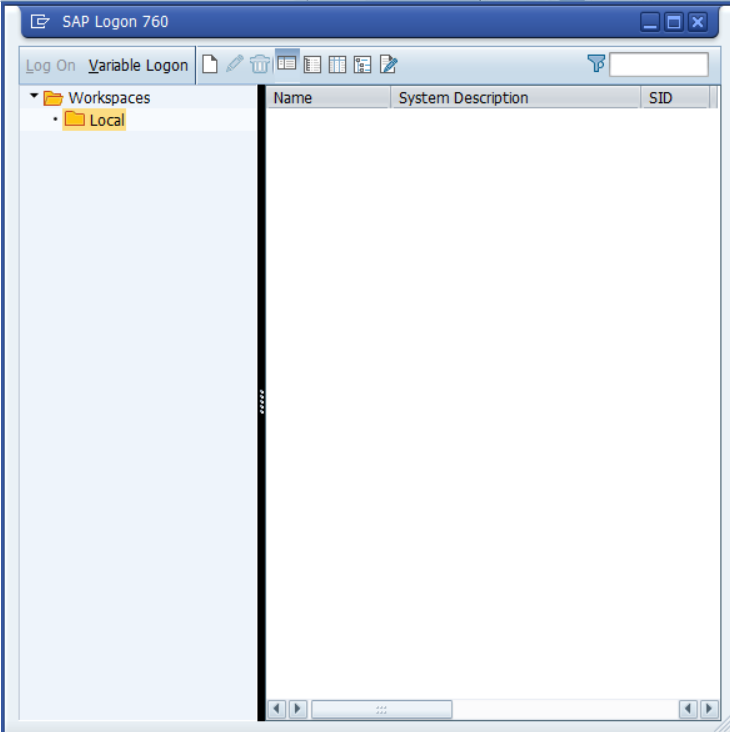
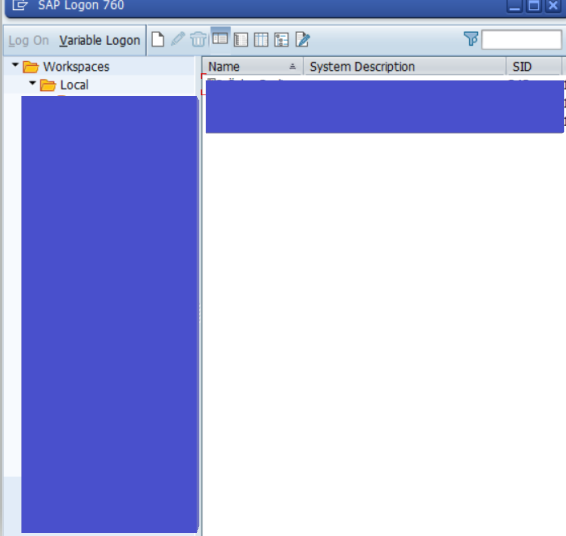
As you can see my current connection screen is blank.
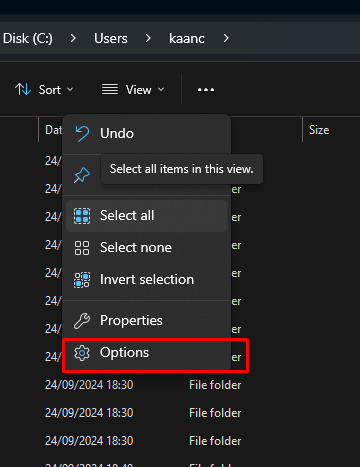
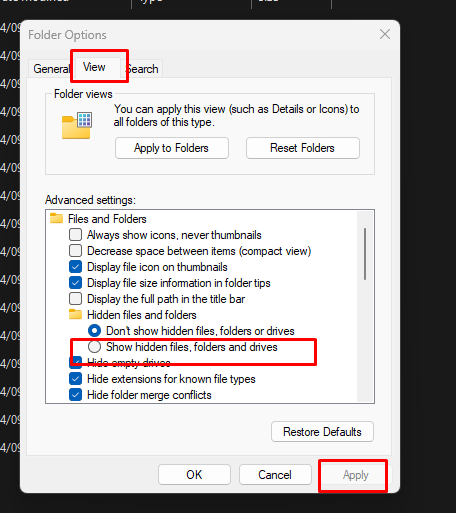
We go to Local Disk C (usually installed here), go to the Users tab and select our user folder. Then select Show hidden files and folders from Option.

Then we open the Sap logo from the machine we will move.
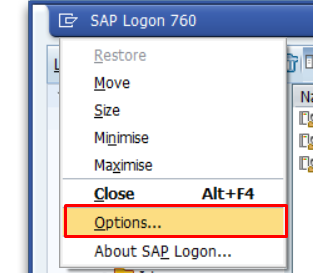
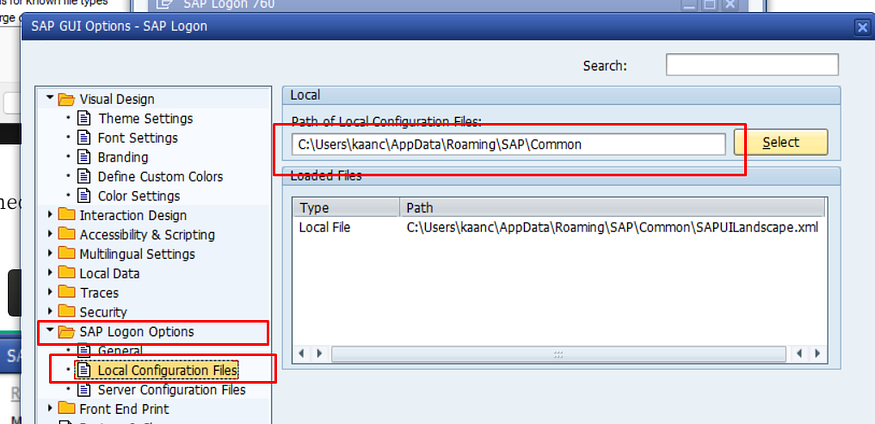
We copy the URL of the Local Configuration Files and type it into windows file explorer.
Then copy these 3 files

Paste it into the URL File directory on the computer where we will copy it.

Tüm Connectionlar geldi ben tabi ki gösteremiyorum.


No Comments